 バイブス父さんの穴倉
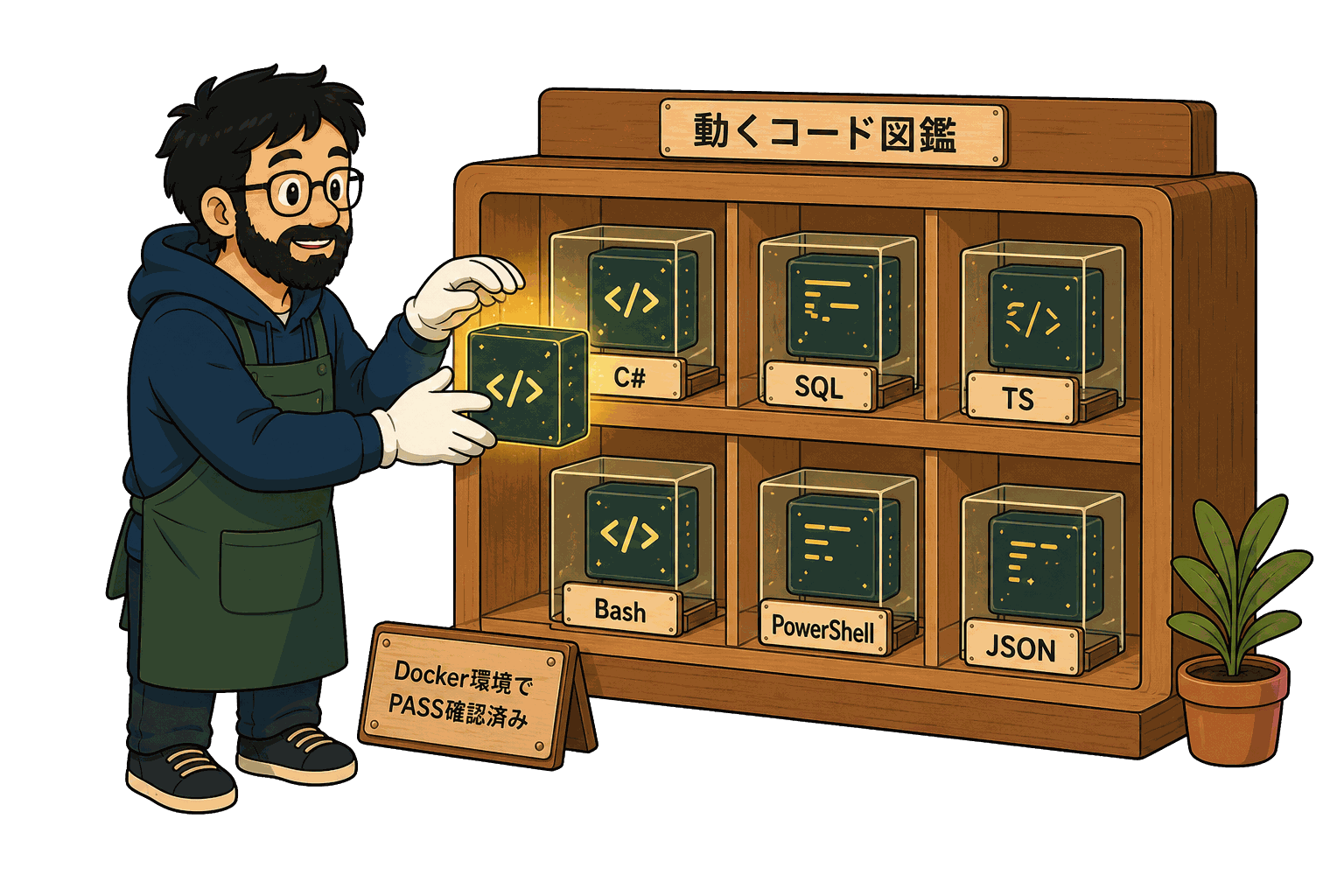
動くコード図鑑
$ ls -1 /library | wc -l → 619
触って動く、検証済みの正解集。
公開記事から抽出した全コードブロックを 1 つずつページ化。 ▶ ボタンで 実行ログを再生し、 さも今動いてるかのように出力を流す。
この図鑑の使い方
言語で絞る
C# / SQL / TypeScript / PowerShell / Bash でフィルタ。
▶ で実行
事前収録の出力を 1 行ずつ再生。 ぱっと結果が見える。
記事と接続
各 snippet は出典記事へのリンク付き。 文脈ごと読める。
絞り込み
snippet 一覧
619 件private void rowContextMenu_Opening(object sender, CancelEventArgs e) { //メニュー全体をキャンセル(表示しない) if (masterGridView.CurrentRow == null) {
パターン4: ContextMenuStrip.Opening —動的な表示制御
WinForms メニュー3兄弟 — MenuStrip / ToolStrip / ContextMenuStrip の使い分けと DataGridView 連携未収録#00a271c9dc03
// ❌ NG:同一コントロールにContextMenuとContextMenuStrip両方設定
// myControl.ContextMenu = oldMenu;          //旧式
// myControl.ContextMenuStrip = newStrip;    //新式
// →動作は新式(ContextMenuStrip)が優先されるが、旧式のItemsは無視される
ハマりポイント整理—旧式と新式の混在トラブル
WinForms メニュー3兄弟 — MenuStrip / ToolStrip / ContextMenuStrip の使い分けと DataGridView 連携未収録#965b4140b789
//安全な切り替え
myControl.ContextMenu = null;
myControl.ContextMenuStrip = newStrip;
ハマりポイント整理—旧式と新式の混在トラブル
WinForms メニュー3兄弟 — MenuStrip / ToolStrip / ContextMenuStrip の使い分けと DataGridView 連携未収録#68f767bcd3df
// ✅定石1: ReadOnlyの3層階層
//階層1:コントロール全体(最強・最もシンプル)
dataGridView1.ReadOnly = true;
dataGridView1.AllowUserToAddRows = false;      //新規追加行も無効化
dataGridView1.AllowUserToDeleteRows = false;   //行削除も無効化
定石1: ReadOnlyの3層階層—コントロール/列・行/セル
WinForms DataGridView の編集モード完全ガイド — ReadOnly / EditMode / RowValidating の使い分け未収録#548f6ae7bc2a
// ✅定石2: EditMode 4種類の挙動
// 1. EditOnEnter:セルにフォーカスが入った瞬間に編集モード(既定値: EditOnKeystrokeOrF2)
dataGridView1.EditMode = DataGridViewEditMode.EditOnEnter;

// 2. EditOnKeystroke:フォーカス入って何かキーを押した瞬間
定石2: EditMode 4種類の使い分け—編集開始タイミング制御
WinForms DataGridView の編集モード完全ガイド — ReadOnly / EditMode / RowValidating の使い分け未収録#d2b3e420786d
// ✅定石3:編集イベントの3段階制御
// 1. CellBeginEdit:編集モードに入る直前
private void dataGridView1_CellBeginEdit(object sender, DataGridViewCellCancelEventArgs e)
{
    //業務ロジックで「編集禁止条件」がある場合
定石3: CellBeginEdit / CellEndEdit / RowValidatingの使い分け
WinForms DataGridView の編集モード完全ガイド — ReadOnly / EditMode / RowValidating の使い分け未収録#511ed36968b3
// ✅定石4: EditingControlShowingで数値のみ入力を強制
private void dataGridView1_EditingControlShowing(object sender, DataGridViewEditingControlShowingEventArgs e)
{
    if (dataGridView1.CurrentCell?.OwningColumn.Name == "amount")
    {
定石4: EditingControlShowingでIME /数値制限を仕込む
WinForms DataGridView の編集モード完全ガイド — ReadOnly / EditMode / RowValidating の使い分け未収録#d9111a623822
// ❌ NG: DataBound前にRows[i].ReadOnlyを設定(消える)
private void Form_Load(object sender, EventArgs e)
{
    dataGridView1.DataSource = LoadFromDb();
    dataGridView1.Rows[0].ReadOnly = true;   // ← DataBound完了前でRowsが空or再生成される
定石5: DataBindingCompleteで行単位ReadOnlyを維持
WinForms DataGridView の編集モード完全ガイド — ReadOnly / EditMode / RowValidating の使い分け未収録#644e739d514b
// ✅パターン1: System.Windows.Forms.Timer(UI更新の本命)
using System.Windows.Forms;

public partial class MainForm : Form
{
System.Windows.Forms.Timer — UIスレッド発火の本命
WinForms Timer 3兄弟の使い分け — System.Windows.Forms.Timer / System.Threading.Timer / System.Timers.Timer未収録#c9ab3217e3d2
// ✅パターン2: System.Threading.Timer(バックグラウンド計算)
using System.Threading;

public partial class LogMonitorForm : Form
{
System.Threading.Timer —スレッドプール発火の軽量版
WinForms Timer 3兄弟の使い分け — System.Windows.Forms.Timer / System.Threading.Timer / System.Timers.Timer未収録#db033bd6db6b
// ✅パターン3: System.Timers.Timer + SynchronizingObject(コンポーネント風)
using System.Timers;

public partial class DashboardForm : Form
{
System.Timers.Timer + SynchronizingObject —コンポーネント風
WinForms Timer 3兄弟の使い分け — System.Windows.Forms.Timer / System.Threading.Timer / System.Timers.Timer未収録#808a82d2d659
// ✅パターン4: Control.Invokeでクロススレッド回避
public partial class MyForm : Form
{
    //ヘルパー: UIスレッドでアクションを実行
    private void RunOnUiThread(Action action)
Control.Invokeでクロススレッド例外を回避する
WinForms Timer 3兄弟の使い分け — System.Windows.Forms.Timer / System.Threading.Timer / System.Timers.Timer未収録#bec87b013e86
// ✅パターン5:再入禁止フラグでTick重複を防ぐ
public partial class HeavyTaskForm : Form
{
    private System.Timers.Timer _timer;
    private int _busyFlag = 0;   // 0=空き/ 1=実行中
再入禁止フラグでTick重複を防ぐ
WinForms Timer 3兄弟の使い分け — System.Windows.Forms.Timer / System.Threading.Timer / System.Timers.Timer未収録#94e84408937b
// ❌ダメな書き方(業務系で多い)
private void btnLoad_Click(object sender, EventArgs e)
{
    Cursor.Current = Cursors.WaitCursor;
    // ↓ここで数秒かかる。UIスレッドはブロック中。
なぜCursor.Currentだけだと砂時計が出ないのか
WinForms で UseWaitCursor が戻らないバグの解決法(業務SE目線)未収録#664c8dc93713
// ✅解決1: try-finally + UseWaitCursor
private void btnLoad_Click(object sender, EventArgs e)
{
    this.UseWaitCursor = true;
    try
解決1: try-finallyで確実に戻す(同期処理向け)
WinForms で UseWaitCursor が戻らないバグの解決法(業務SE目線)未収録#15920e216e92
// ✅解決2-a: IDisposableラッパーの定義
public sealed class WaitCursorScope : IDisposable
{
    private readonly Form _form;
    private readonly bool _previous;
解決2: IDisposableラッパーでスコープ化する
WinForms で UseWaitCursor が戻らないバグの解決法(業務SE目線)未収録#90f0b8a724f2
// ✅解決2-b:使用例
private void btnLoad_Click(object sender, EventArgs e)
{
    using (new WaitCursorScope(this))
    {
解決2: IDisposableラッパーでスコープ化する
WinForms で UseWaitCursor が戻らないバグの解決法(業務SE目線)未収録#d1e30ad15372
// ✅解決3: async/await + Task.Run
private async void btnLoad_Click(object sender, EventArgs e)
{
    btnLoad.Enabled = false;
    using (new WaitCursorScope(this))
解決3: async/await + Task.RunでUIスレッドを解放する
WinForms で UseWaitCursor が戻らないバグの解決法(業務SE目線)未収録#b2fa15052272
//画面全体にWaitCursorを効かせる場合
Application.UseWaitCursor = true;
try
{
    /* 重い処理 */
UseWaitCursorの罠—マウスがフォーム外だと効かない
WinForms で UseWaitCursor が戻らないバグの解決法(業務SE目線)未収録#cd898c28b53e